

Video & Media
Multimedia uses in the creation of learning solutions including video, audio, graphics, photos, embedded simulations, animations, etc used to be the solution or enhance it.
-
Creating and Using Video in PowerPoint
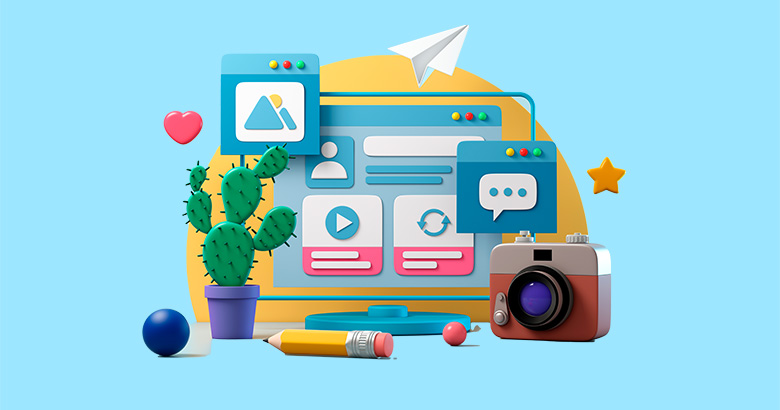
Video is a great way to engage your audience in a moreengaging, dynamic, or emotive way than can be achieved with standard contentalone. Or it can save you a lot of time when trying to explain complexconcepts. PowerPoint can be a great way to create your own custom video, witheasy content creation, simple ways to animate things and bring them to life,and great tools to add narration or music. It’s superb for explainer videos,but also high-impact videos, video text, or annotated interviews. Then you canalso use PowerPoint to easily edit video, add various useful formatting to it,and export new content…
-
Tips and Tricks to Make your Visual Design Elements Sparkle
Do we really want to make the elements of our visual design sparkle? Probably not, but there are lots of ways to ensure your design has impact. When the visual design of your project is properly executed, the information you are trying to convey is more easily understood and remembered. Utilizing design principles when placing and spacing illustrations, typography, and images, as well as when choosing colors and fonts, are all key in ensuring your project is user-friendly, visually appealing, and delivers impactful training. Join Tracy Parish as she shares some key visual design principles to apply to any project.…
-
Creating Better Videos Using Viewer Preferences & Habits
Video can be a key tactic for training employees and customers, so it’s important that videos are engaging and helpful. This session focuses on viewers’ preferences for video and will look at multi-year research to provide insights into viewers’ preferences and behaviors for instructional and informational videos. But don’t worry, this isn’t just a data dump! In addition to covering the data, many practical tips will be provided to help you create better, more effective videos. In this session you will discover why viewers typically stop watching videos, and techniques to encourage them to keep watching. Through an analysis of…
-

2022 L&D Gift Guide
Get into the holiday spirit with this guide containing gift ideas for today’s L&D professionals, including books, office & work tools, travel, and more!
-

Vyond Announces the Fall Release of its Award-winning Vyond Studio
Vyond’s latest intelligent video creation software release improves stakeholder engagement and drives business outcomes.
-

How a Professional Voice Actor Can Improve Your eLearning
Making dialog that sounds human while meeting compliance requirements can present obstacles to learning objectives and to engaging users. Use these pro tips!
-
Advertisers’ Secrets to Compelling Learning Videos
With the need to “break through the clutter,” how can your learning videos leave your audience remembering your message? Try looking to advertising, a field that does this well. If commercials can get people to purchase items they don’t need, how can you use these marketing secrets to influence learners (and do this without them feeling manipulated)? In this interactive, game-based session, you’ll learn what makes some ads so compelling they persuade you to buy. You’ll explore the strategic framework to use when creating a training video strategy, as well as the essential design considerations for video. In this session,…
-

New Checklist: Choosing an Authoring Tool
Download this checklist and get a thorough guide on how to choose an authoring tool and what questions you should ask of tool vendors.
-
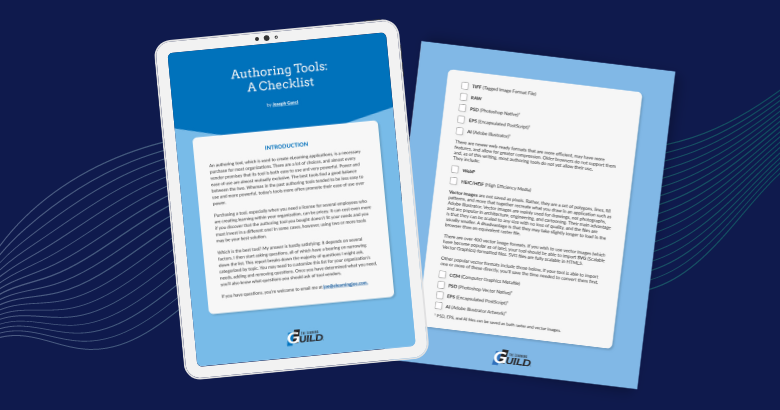
Choosing an Authoring Tool: A Checklist
Download this checklist and get a thorough guide on how to choose an authoring tool and know what questions you should ask of tool vendors.
-

Listen Up: Six Different Types of Audio in eLearning
Take a look at the most common types of audio in eLearning so you can understand when and how to properly utilize it.